
Recently I’ve been backing up some large virtual machines over a WAN and wanted to detail the way I’ve approached this challenge.
Situation
- Veeam Infrastructure is primarily located in the primary data centre
- Multiple remote sites with a mix of Hyper-V and vSphere environments
- High speed WAN to the majority of remote sites (>= 1 Gbit/sec)
- Remote sites typically did not support Veeam WAN acceleration with existing hardware
- Remote sites have several very large virtual machines (10 TB+) in addition to regular VM workload.
Approach
Network throttling was enabled between the Veeam Infrastructure in the core data centre to the remote Hyper-V Hosts (on-host proxy mode) and a vSphere proxy at each remote site. Each site had specific network throttling requirements but generally this was somewhere between 300-500 Mbps 24/7.
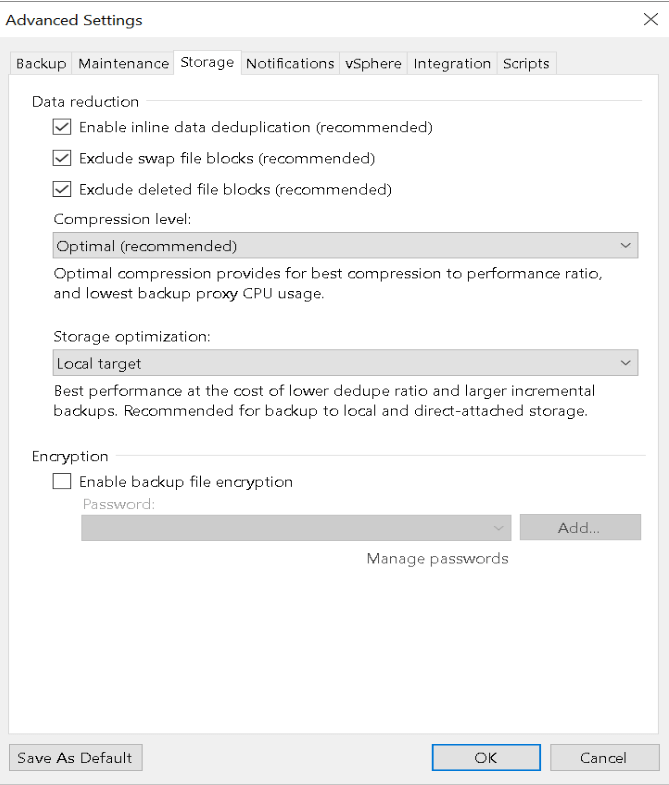
The Veeam Repositories were formatted using ReFS with 64K blocks to support linked clones for faster synthetic full backups. Each backup job was then configured for a singe large VM in an Incremental Forever mode with Synthetic Full backups occurring weekly (& no Active Full Backups), as the data was traversing a throttled WAN the Compression mode was configured to Optimal.

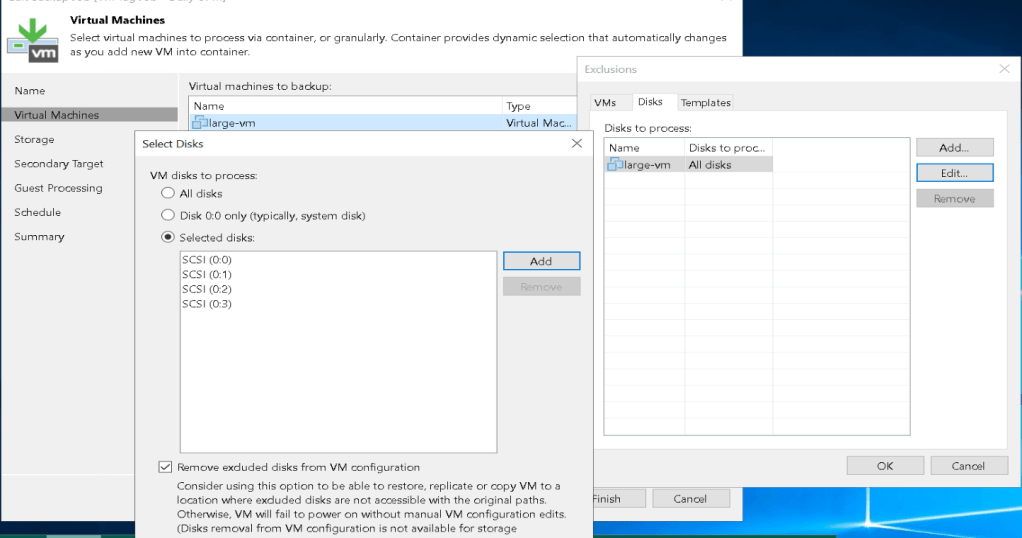
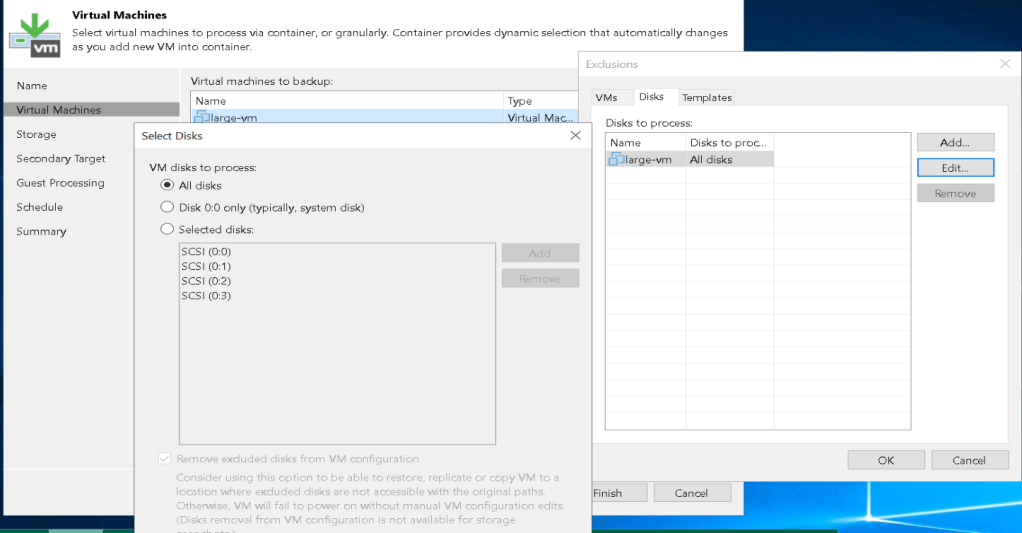
For each large VM, I then went and modified the exclusion list for disks and added an individual disk and performed a backup; once each backup was completed I added additional drives and started another backup. Once all drives were completed, I then reconfigured the disks to process back to “All Disks”.

Outcome
This approach was quite successful had the following benefits:
- It didn’t tie up remote proxy tasks for an extended period of time potentially preventing the backup of other virtual machines at the remote site. Each new disk was consuming a single proxy task and existing disks were significantly faster as it only required an incremental backups.
- Using a dedicated backup job for the large VM meant that the long run time didn’t impact other VM backup operations.
- Each Virtual Disk was not competing with other virtual disks for bandwidth during the initial backup allowing each backup to complete faster. For some disks this still took multiple days.
- It provided an immediate restore point for a subset of data when the initial & each subsequent backup completed.
- It allowed stop points between each backup if maintenance was required on the Veeam infrastructure.
 blog.alancroll.com